Logopress is a powerful software solution designed for fast die quotations and flattening of complex 3D parts. Whether you need a quick strip layout for die estimation or an accurate blank development for a 3D formed part, Logopress streamlines the process.
LogoPress—with over 30 years of die design software development and feedback from customers—builds upon SOLIDWORKS, adding all the necessary tools and options that die designers need to help automate the die design, debug, and build processes. LogoPress provides a mature and systematic workflow for tool design.
Why LogoPress?
Logopress is a powerful software solution designed for fast die quotations and flattening of complex 3D parts. Whether you need a quick strip layout for die estimation or an accurate blank development for a 3D formed part, Logopress streamlines the process.
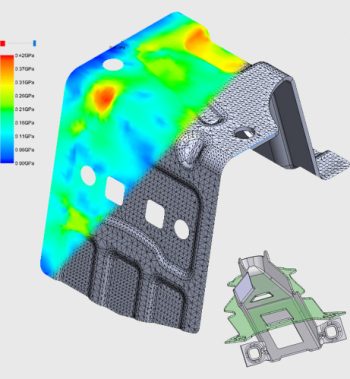
Integrated with SOLIDWORKS, Logopress offers advanced features like finite element analysis and precise flattening tools, enabling designers and estimators to quickly determine the theoretical blank of complex parts. It works seamlessly with SOLIDWORKS models as well as imported files from other sources.
While primarily used in the tool and die industry, Logopress is versatile enough for a wide range of applications. It can flatten materials like cloth, plastic, leather, adhesives, inflatable objects, packaging, and more.
Products
DieDesign
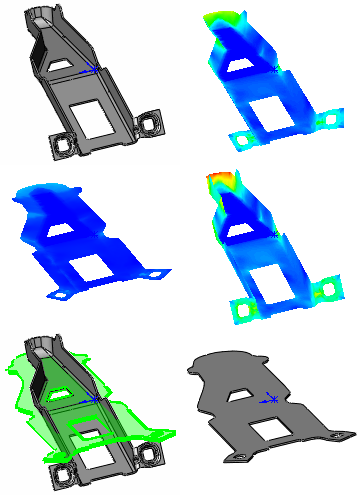
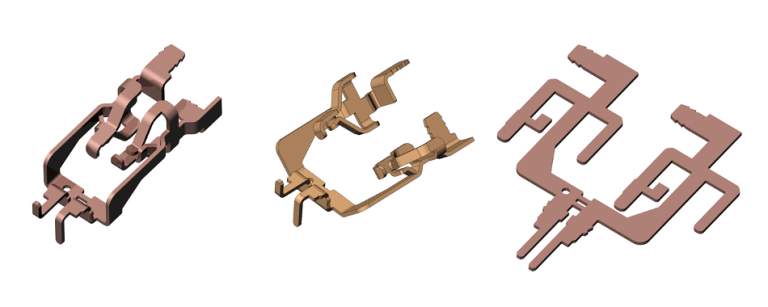
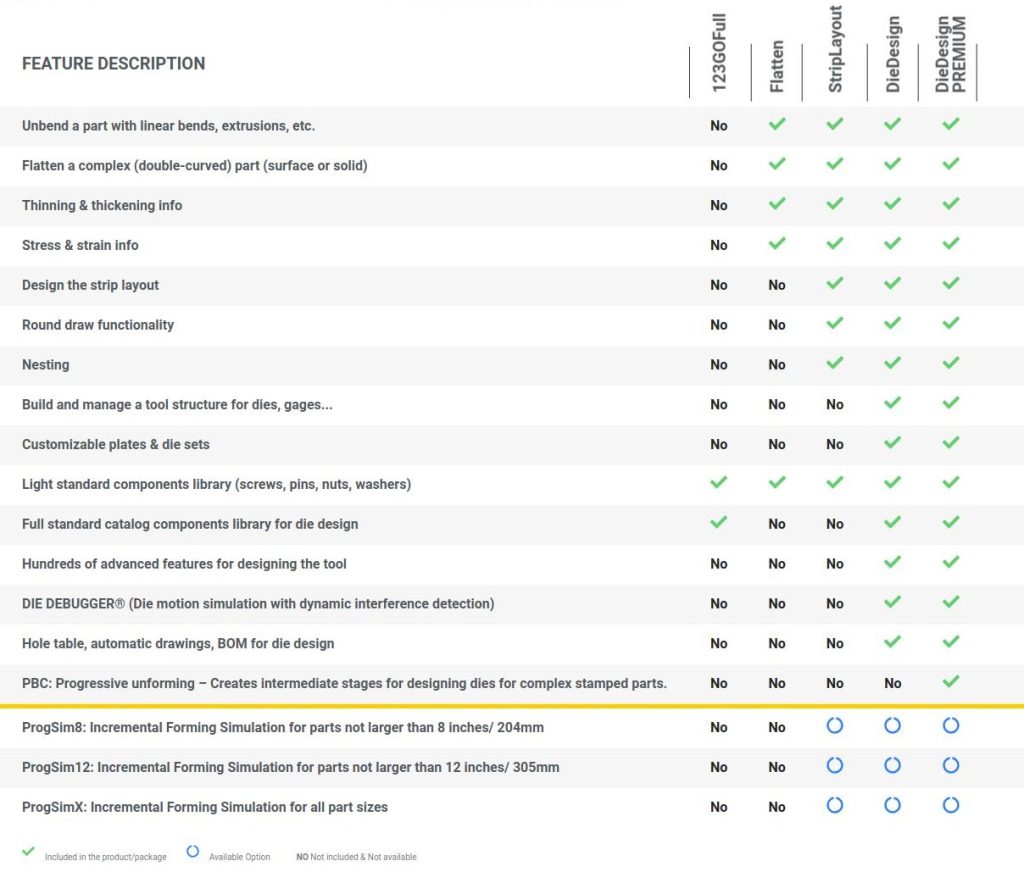
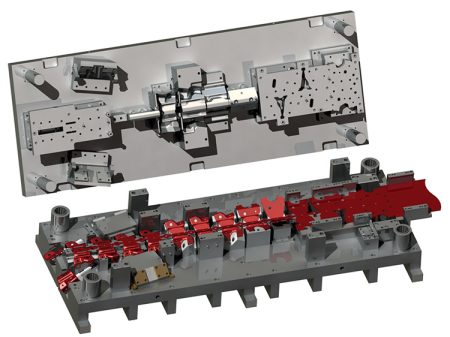
DieDesign software automates many aspects of die design, from unbending and flattening - even "dirty" parts, to strip layout, tool design and drawings.
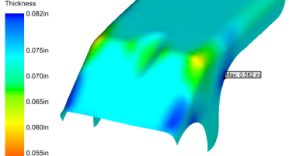
Flatten in only a few mouse clicks you can unfold your part and then model the intermediate stages that will allow defining the process that will become your strip layout.
LogoPress ProgSim performs accurate simulations of forming processes using incremental simulation technology powered by the industry proven AutoForm solver.
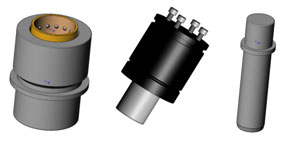
123GO by Logopress3 offers the quick and easy solution for automatically adding fasteners, holes and mates. This affordable, intuitive, and smart library includes a wide range of components.